

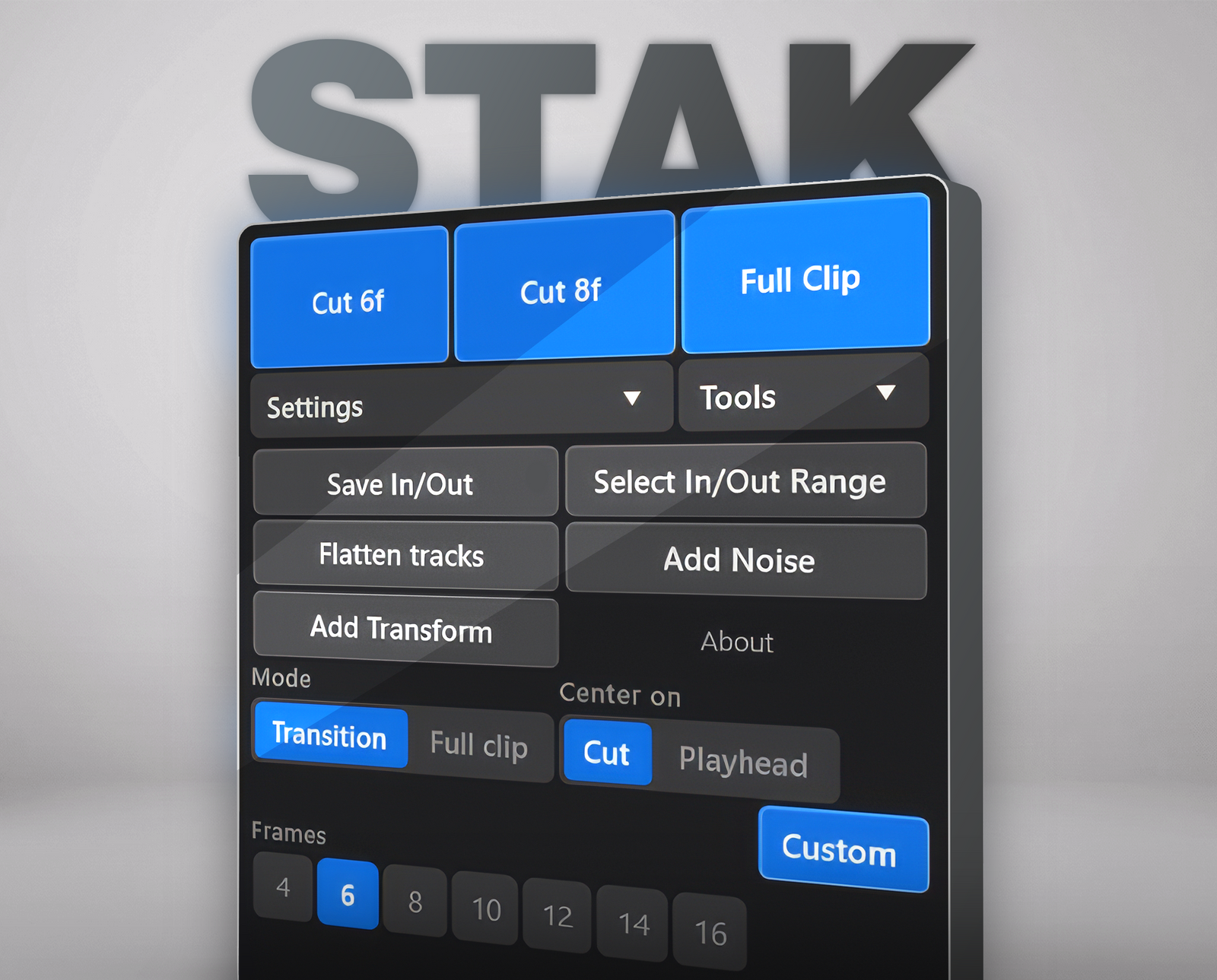
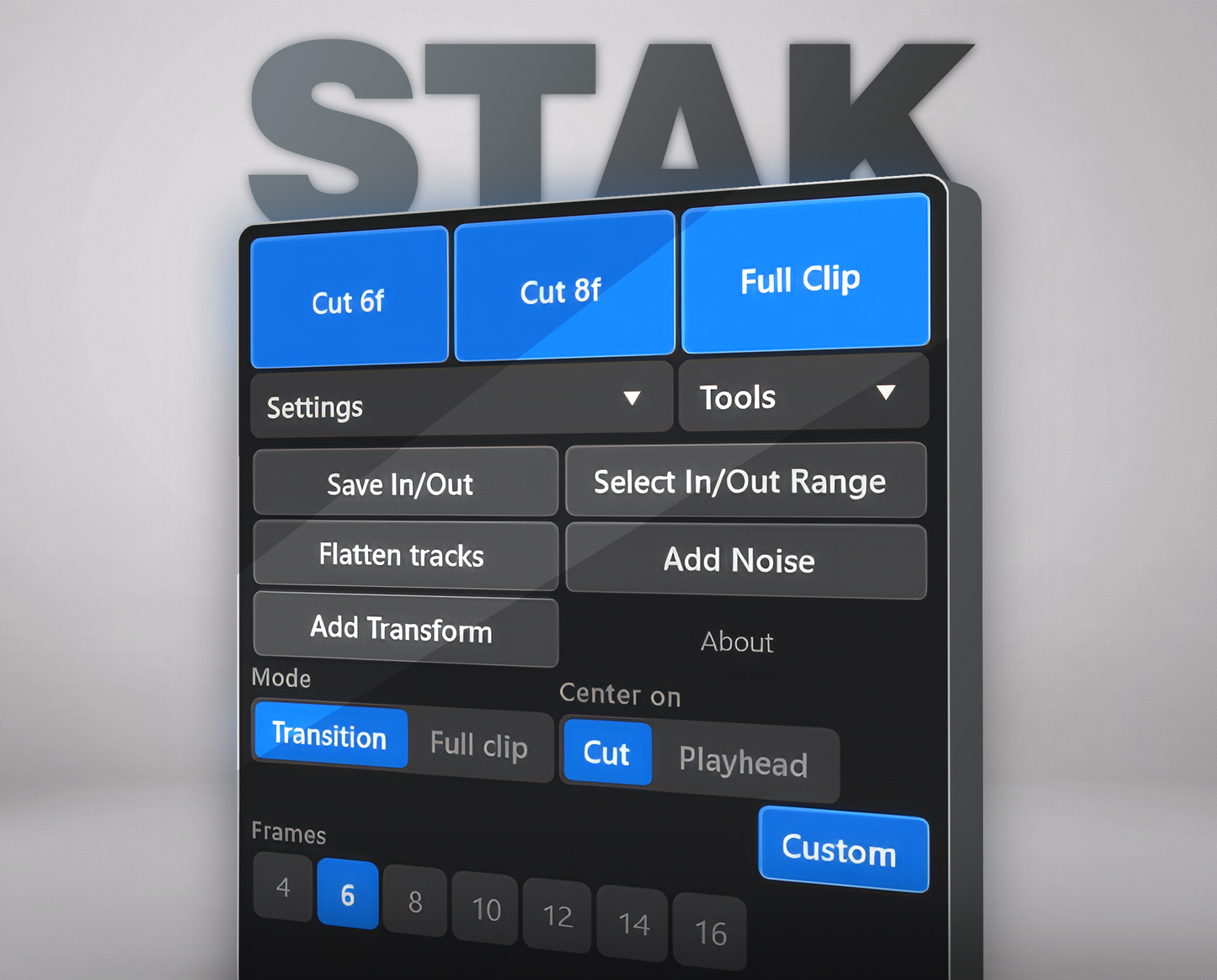
Three ways to place it

One click whole clip covered

Snaps to your cuts automatically

Places it exactly where you are
See it in action
Manual workflow
Clicking through menus...
With Stak
Done in one click.
What editors are saying


Why I built Stak
Hey, I'm Honza.
I've been editing music videos for 4 years. I love the creative part - but placing adjustment layers for every cut, flash, and transition was always the same repetitive grind.
One late night, placing my 40th adjustment layer before a deadline, I thought: this shouldn't take this long. So I built Stak to fix it. Now you just select your clips, and the layer drops exactly where it belongs.
Editors who've tried it can't go back to doing it manually... and honestly, neither can I.
And there's more under the hood
Three power features, plus a handful of small touches that add up.
Flatten Tracks
Collapse layered clips downward into empty space within your marked In/Out range, with a confirmation step so nothing gets flattened by accident.
Three Saveable Presets
Dial in your favorite combo (mode, frame length, reference point) and hold a preset button to save it. From then on, it's one click. Perfect for editors who reuse the same 2–3 setups across every project.
Not a fan of blue? We got you.
Choose from a handful of built-in color presets to personalize the panel's look. Switch anytime - it applies instantly across the whole UI.
A few more small touches
Restore In/Out
Hold to save your current In/Out points, then click anytime to jump right back to them.
Select In/Out Range
Selects every clip that falls within your current In/Out markers, ready for the next action.
Add Transform
Adds a Transform effect to your selected clips instantly, skipping the Effects panel entirely.
Ready to speed up your edit?
Plans start at $60 — one-time payment, lifetime updates.
14-day guarantee · Instant download
Frequently Asked Questions
Does Stak work with my version of Premiere Pro?
Stak works with Premiere Pro 2021 and later, on macOS and Windows.
How do I install it?
Stak installs as a UXP panel with a 1-click installer. No manual file dragging required.
What's included in the All-Access Pass?
Every current FX pack, the Stak plugin itself, and all future FX packs we release, at no extra cost.
Is Stak only for music video editors?
Stak was built for music video editing workflows specifically (fast cuts, frequent adjustment layers), but the core functionality placing adjustment layers on full clips, cuts, or the playhead works for any Premiere Pro project.